
Blockify vs Blox: Which Fraud Prevention App Is Better for Your Shopify Store?

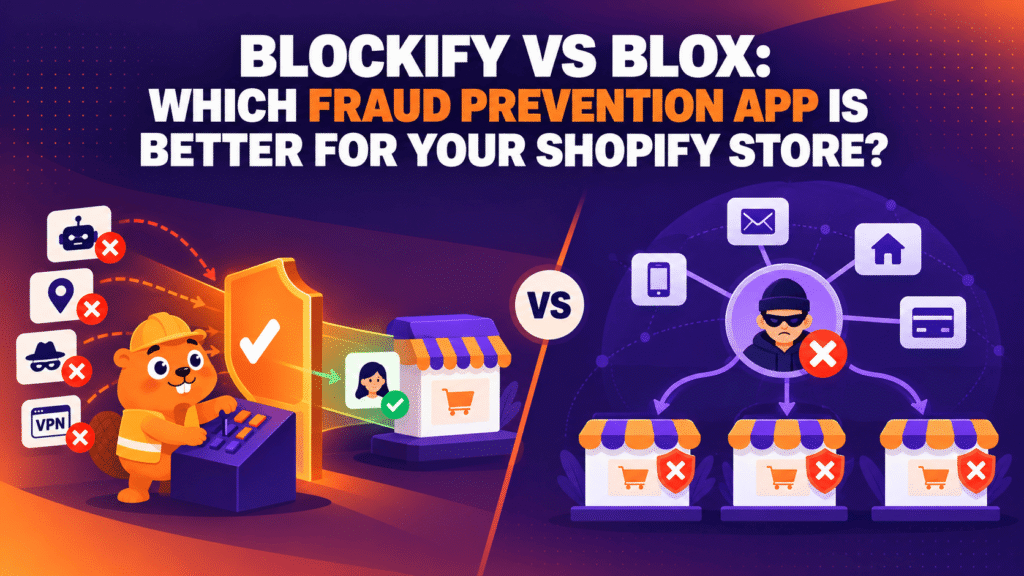
Shopify fraud does not always look the same. One store may be fighting bot traffic, fake checkouts, VPN visitors, and suspicious IPs. Another may mainly need to stop repeat chargeback customers or serial returners from ordering again. That is the real search intent behind Blockify vs Blox. Merchants are not only asking which app has more features. They want to know which app matches the type of fraud problem they actually have.
Both apps sit in the Shopify fraud category, but they solve the problem from different angles. This guide compares them in plain language so you can choose the right tool before your team loses more time to bad orders, fake traffic, or manual fraud checks.
Blockify vs Blox: What is the main difference?
The main difference is the layer of fraud prevention each app focuses on.
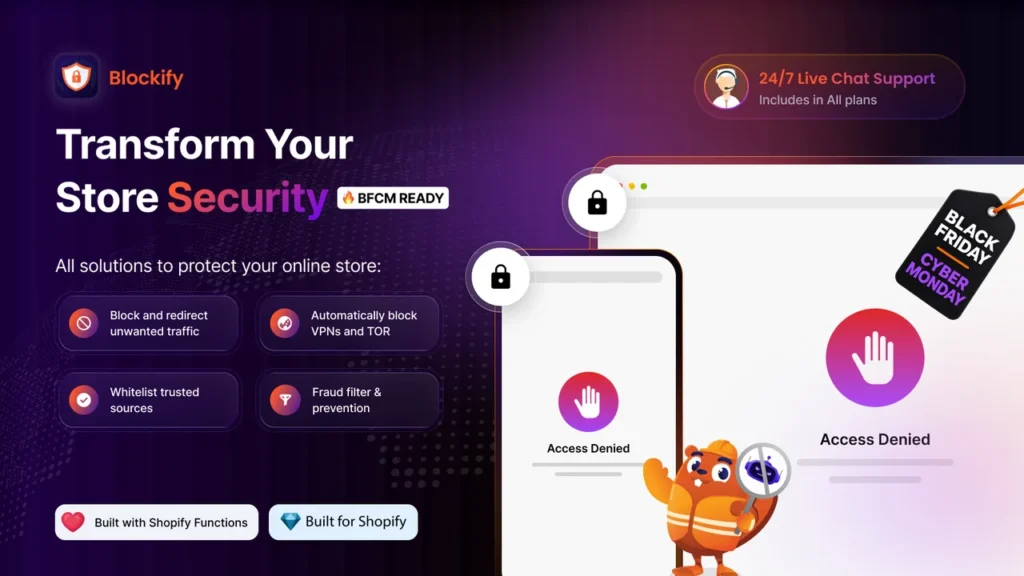
Blockify Fraud Filter helps merchants control risky traffic before and around checkout. Its Shopify App Store listing describes IP and country blocking, bot blocking, proxy/VPN detection, order and visitor analytics, geolocation redirects, checkout blocking, and content protection. It also works with tools such as Shopify Flow, Shopify Admin, Checkout UI, Klaviyo, Fraud Order Analytics, IP & Country Blocker, and Visitor Analytics.
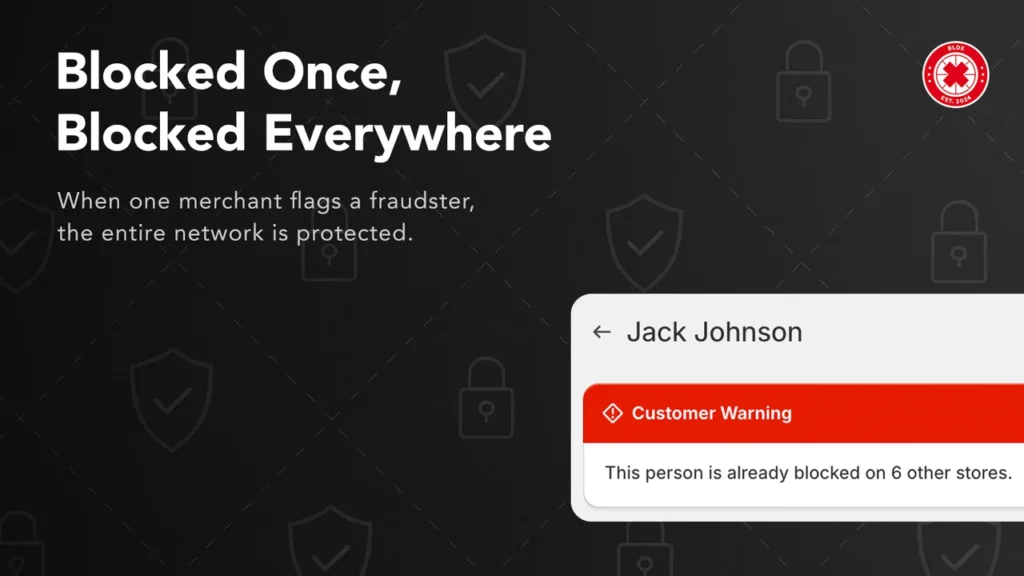
Blox: Chargeback Blacklist focuses on repeat fraudsters and abusive customers. Its listing says merchants can block customers by email, phone, address, or payment method, deduplicate customers using multiple accounts, and auto-hold or cancel high-risk orders before fulfillment. Its main hook is a community-powered blocklist: when one merchant flags a fraudster, that signal can help protect other Blox stores.
Here is the simplest way to separate them:
| Question | Better fit |
|---|---|
| Do you need to block suspicious IPs, countries, VPNs, proxies, Tor, bots, or specific traffic sources? | Blockify |
| Do you need to stop repeat chargeback customers, refund abusers, and serial returners? | Blox |
| Do you need visitor analytics before creating block rules? | Blockify |
| Do you want a shared blacklist based on customer identity signals? | Blox |
| Do you need broad store-entry protection before the order is placed? | Blockify |
| Do you mainly need order/customer-level blocking after a bad buyer is known? | Blox |
Neither app should be treated as a magic fraud shield. Fraud tools work best when they are matched to the store’s risk pattern. If the problem starts before checkout, you need traffic and visitor controls. If the problem comes from repeat abusive buyers, you need customer-level blocklist logic.
How do Blockify and Blox compare at a glance?
| Comparison point | Blockify Fraud Filter | Blox: Chargeback Blacklist |
|---|---|---|
| Main use case | Block and analyze risky traffic, bots, suspicious visitors, and fraud orders | Stop repeat chargebacks, refund abuse, serial returners, and known bad customers |
| Fraud layer | Store entry, visitor behavior, checkout, and order risk | Customer identity, order hold/cancel, and community blocklist |
| Shopify rating snapshot | 4.9 from 1,732 reviews | 4.6 from 19 reviews |
| Pricing snapshot | Free to install; paid plans shown at $9.99, $19.99, and $39.99/month depending on plan | Free dev plan; paid plans shown at $19 and $99/month |
| Blocking signals | IP, country, state, city, bots, VPNs, proxies, whitelist, redirects | Email, phone, address, payment method, duplicate accounts |
| Visitor analytics | Yes, listing includes visitor analytics and risk reports | Listing includes visitor analytics and risk reports, but the core positioning is chargeback/customer blocklist |
| Bot and traffic control | Stronger focus: bots, proxy/VPN connections, geolocation, IP, country, suspicious sessions | Listed fraud types include bots and fake accounts, but messaging centers on repeat chargeback/customer abuse |
| Content protection | Yes, listing mentions anti-copy and disable right-click | Not a core listed value |
| Community blocklist | Not the main positioning | Core positioning |
| Best for | Merchants needing broad fraud prevention before and around checkout | Merchants needing simple blocking for repeat abusive customers |
Pricing, reviews, and features can change, so merchants should re-check both Shopify App Store listings before installing. The comparison above reflects the live listing snapshot reviewed for this article.
What does Blockify do better than Blox?
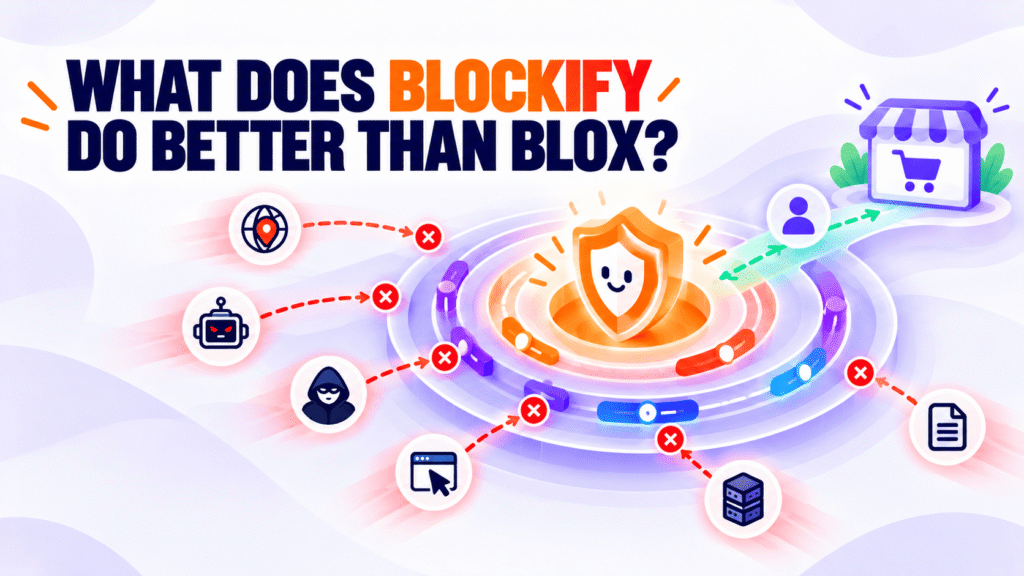
Blockify is stronger when the merchant needs to stop suspicious activity before it becomes an order. This matters because a lot of fraud pressure starts earlier than the order page.
A store may see traffic spikes from countries it does not serve. It may notice repeated visits from the same IP range. It may get fake checkouts during a promotion, bot sessions that distort analytics, or visitors using VPN/proxy connections to hide their location. If the store only reacts after an order is placed, the team still has to review and clean up problems that could have been filtered earlier.
Blockify is designed for that earlier layer. Its Shopify listing includes IP blocking, country blocking, bot blocking, proxy/VPN detection, visitor analytics, geolocation redirects, checkout blocking, and fraud-order analytics.
Blockify’s own product page also frames the app around stopping risky traffic before checkout, catching fraud patterns, protecting content from copycats, keeping analytics cleaner, and letting trusted crawlers in while keeping bad bots out.
That makes Blockify useful for merchants who need more than a customer blacklist. It can help them:
- Block or redirect traffic by IP, country, ISP, referrer, URL, keywords, VPN/Tor, or data-center traffic.
- Review visitor behavior before deciding which rules to create.
- Separate useful bots, such as search crawlers, from harmful automated traffic.
- Use fraud-order analytics to spot suspicious patterns.
- Add content protection against casual copying, right-clicking, and scraping behavior.
- Build a layered fraud setup instead of reacting to each bad order one by one.
The important word is “layered.” Blockify does not replace Shopify’s native fraud analysis, payment-provider checks, or manual review. It gives merchants more control points around the store so risky traffic and suspicious behavior can be filtered earlier.
What does Blox do better than Blockify?
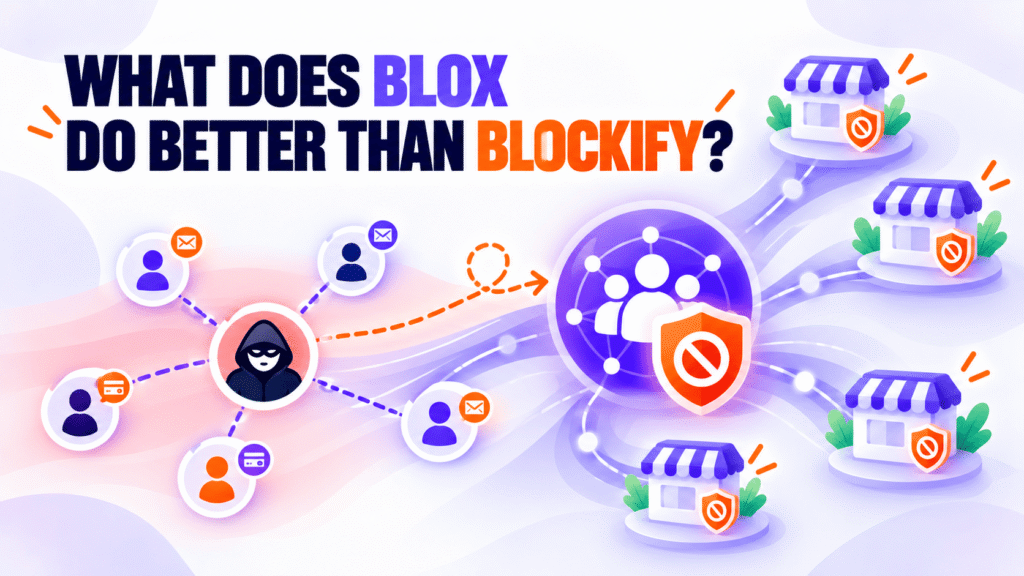
Blox has a clearer focus on customer-level repeat abuse.
Its main promise is not “block every risky visitor.” It is closer to “stop known bad customers before they hurt your store again.” The listing says Blox helps block repeat chargebacks, refund abuse, and serial returners before they place another order. It also says merchants can block customers by email, phone, address, or payment method, deduplicate customers using multiple accounts, and auto-hold or cancel high-risk orders before fulfillment.
This makes Blox easier to understand for a specific problem:
- A customer files a chargeback, then tries to order again.
- A serial returner keeps buying and returning products.
- A refund abuser uses different emails or accounts.
- A known bad customer changes small details to avoid detection.
- A merchant wants a shared blacklist model rather than building every rule alone.
Blox’s community-powered blocklist is its most distinct angle. According to its listing, when one merchant flags a fraudster, the blocklist can help protect other Blox stores automatically. This can be appealing for small teams that do not want to build complex fraud rules from scratch.
The trade-off is scope. Blox may be a clean fit when the issue is repeat customer abuse, but it is not as broad as Blockify for pre-checkout traffic control, geolocation redirect logic, VPN/proxy filtering, content protection, or full visitor-rule management.
Which app is better for blocking bots and fake traffic?
Blockify is the better fit for bot and fake traffic control.
The reason is simple: Blockify’s app listing and product page both put traffic control at the center of the product. The listing highlights bot blocking, proxy/VPN connections, visitor analytics, IP and country blocking, and geolocation redirection. The product page also mentions use cases such as stopping risky traffic before checkout, reducing bot noise, and allowing trusted crawlers such as Google and Facebook while blocking bad bots.
Blox does list bots and fake accounts under fraud types, but its main content focuses on chargebacks, refund abuse, serial returners, and repeat fraudsters. That does not mean Blox cannot help with bot-related abuse in some cases. It means a merchant choosing mainly for bot and traffic control will likely find Blockify more aligned with the job.
One caution: VPN or proxy use does not automatically prove fraud. Some legitimate customers use privacy tools, mobile networks, or corporate connections. A safer approach is to use these signals as part of a risk policy, then monitor results so the rules do not block good customers by accident.
Which app is better for chargebacks and repeat bad customers?
Blox is the more direct fit for repeat chargebacks and known bad customers.
Its listing is built around that problem. It mentions repeat chargebacks, refund abuse, serial returners, community blocklist protection, blocking by customer details, duplicate account clustering, and auto-hold or cancel actions before fulfillment.
Blockify can also help with chargeback-related risk, especially when the pattern is tied to suspicious traffic, VPN/proxy use, fake checkouts, IP location mismatch, or repeated low-value orders. Its listing includes fraud-order analytics and auto-cancel high-risk orders on the Shopify Plus plan. But if the merchant’s main problem is “this bad customer keeps coming back,” Blox’s customer identity approach is more direct.
The choice depends on the root cause:
| Fraud pattern | Better fit | Why |
|---|---|---|
| Same abusive customer keeps ordering with changed emails | Blox | Designed around customer clustering and repeat bad-customer blocking |
| Traffic spike from suspicious countries or IP ranges | Blockify | Stronger traffic and geolocation controls |
| Card testing through repeated fake checkouts | Blockify | Better fit for visitor, bot, checkout, and fraud-order layers |
| Serial returners abusing the policy | Blox | Core use case on Blox listing |
| Bot traffic inflating analytics | Blockify | Product page directly addresses bot noise and visitor analytics |
| Store needs both known-customer blocking and traffic filtering | Blockify first, then consider Blox if repeat-customer abuse remains | Start with the broader entry layer, then add customer blacklist depth if needed |
Which app has better pricing for Shopify stores?
Both apps have free options, but their paid plans are shaped differently.
At the reviewed snapshot, Blockify’s Shopify listing shows a free-to-install plan with limited rules and analytics. Paid plans are shown at $9.99/month for Premium, $19.99/month for Enterprise, and $39.99/month for Shopify Plus. Features increase by plan. For example, the Premium plan lists unlimited block and redirect IP/country, unlimited visitor analytics, auto-block VPN/proxy, content protection, and fraud-order analytics. The Shopify Plus plan lists access to all features, full visitor analytics, auto-cancel high-risk orders, full fraud-order analytics, all fraud filters, and top-tier 24/7 live chat support.
At the reviewed snapshot, Blox’s listing shows a free dev plan, a Standard plan at $19/month, and an Unlimited plan at $99/month. The Standard plan lists features such as stopping fraud before fulfillment, blocking or holding orders from any customer, discovering worst customers, clustering customers with multiple accounts, auto-blocking known fraudulent customers, and up to 1,000 orders per month. The Unlimited plan supports unlimited customers and orders.
On entry pricing, Blockify is easier to start with for many non-Plus merchants because its first paid tier is lower. Blox may still make sense if the store values its specific customer blocklist model and order volume fits the plan.
The better pricing question is not only “which one is cheaper?” It is:
- Are you paying for broad traffic control or customer blacklist depth?
- Do you need unlimited visitor analytics or unlimited customer/order coverage?
- Do you need Shopify Plus-only features?
- Is the fraud cost high enough to justify the monthly plan?
- Will the app reduce manual review time, chargeback loss, or fake-traffic cleanup?
If a store’s fraud issue is broad and starts before checkout, Blockify’s lower paid entry point and wider control set may offer stronger value. If the store’s issue is repeated chargebacks from known or linked customers, Blox can still be worth the cost even if the feature set is narrower.
Which app has stronger social proof?
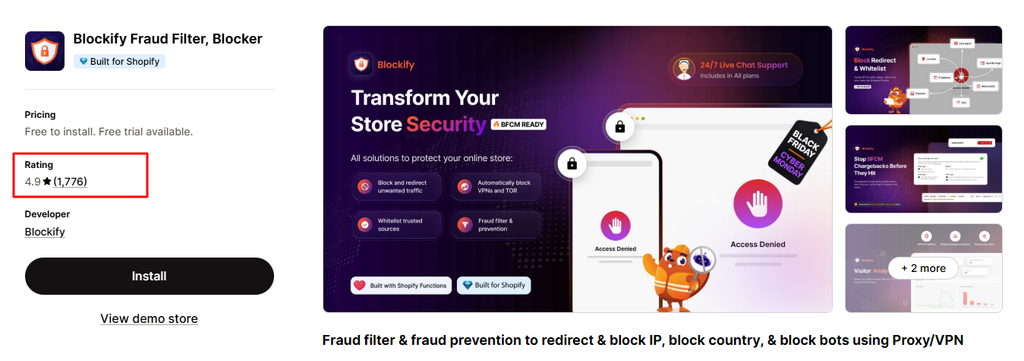
Blockify has stronger review volume and a higher rating in the current Shopify App Store snapshot.
Blockify shows a 4.9 rating from 1,732 reviews. Shopify’s listing also marks it as Built for Shopify, meaning it meets Shopify’s standards for performance, design, and integration.
Blox shows a 4.7 rating from 20 reviews. It launched later, on February 24, 2025, so a lower review count is not surprising. Its early reviews include positive comments about filling a fraud-prevention gap, while at least one review mentions a setup-related issue around high-risk orders not being put on hold.
Review count should not be the only decision factor. A newer app can still solve a narrow problem well. But for merchants who want a more established Shopify fraud app with broader review history, Blockify has the stronger trust signal.
What are the key limitations of each app?
No fraud app should be presented as perfect. Both apps have trade-offs.
Blockify limitations
Blockify’s broader control set means merchants need to create rules carefully. Blocking an entire country, IP range, or VPN segment can stop bad traffic, but it can also block real customers if the rule is too broad.
Merchants should review visitor analytics, test rules, and whitelist trusted users where needed. They should also remember that traffic signals are risk indicators, not final proof of fraud.
Some Blockify features are plan-dependent. For example, the Shopify listing places auto-cancel high-risk orders under the Shopify Plus plan in the reviewed snapshot. Merchants should check the current plan table before assuming a feature is included.
Blox limitations
Blox is narrower. Its core strength is customer-level repeat abuse, especially chargebacks, refund abuse, and serial returners. If a store’s issue is traffic quality, bot sessions, country blocking, VPN/proxy filtering, content scraping, or pre-checkout visitor control, Blox may not cover enough of the journey.
Blox also has a smaller review base at the current snapshot. That does not make it weak, but it does mean merchants have less public feedback to review compared with Blockify.
The community blocklist model may also require merchants to think about data, fairness, and false positives. A shared signal can be useful, but a store should still review high-risk actions in the context of its own policies.
How Blockify helps merchants build a broader fraud prevention layer
For Shopify stores that need more than a customer blacklist, Blockify Fraud Filter gives merchants several control points in one app.
Instead of waiting for fraud to show up as an order, merchants can use Blockify to review traffic patterns, block or redirect visitors based on IP and location rules, restrict VPN/proxy/Tor or data-center traffic according to their risk policy, allow trusted bots, and monitor visitor analytics. Around checkout and order review, Blockify can also support fraud-order analytics, fraud filters, and eligible automated responses depending on plan.
That is the main advantage in the Blockify vs Blox comparison. Blox is useful when the bad actor is already tied to customer identity. Blockify is useful when the risk starts earlier and moves across the store journey.
This approach helps the merchant reduce risky traffic without treating every visitor as a criminal. It also gives the team more evidence before making stricter rules.
Final verdict: Should you choose Blockify or Blox?
The short answer: For Blockify vs Blox, choose Blockify if you want to stop risky traffic earlier, before suspicious visitors, bots, VPN/proxy users, or unsupported markets turn into bad orders. Choose Blox if your main problem is repeat abuse from known customers, such as chargebacks, refund abuse, or serial returns.
In the end, the better app is the one that matches where your fraud risk starts. If the problem begins at the traffic and visitor level, Blockify gives you a stronger first layer of control. If the problem begins after a bad customer is already known, Blox can help you manage that repeat risk more directly.
