
Introducing Discount List for Blockify Checkout Rules

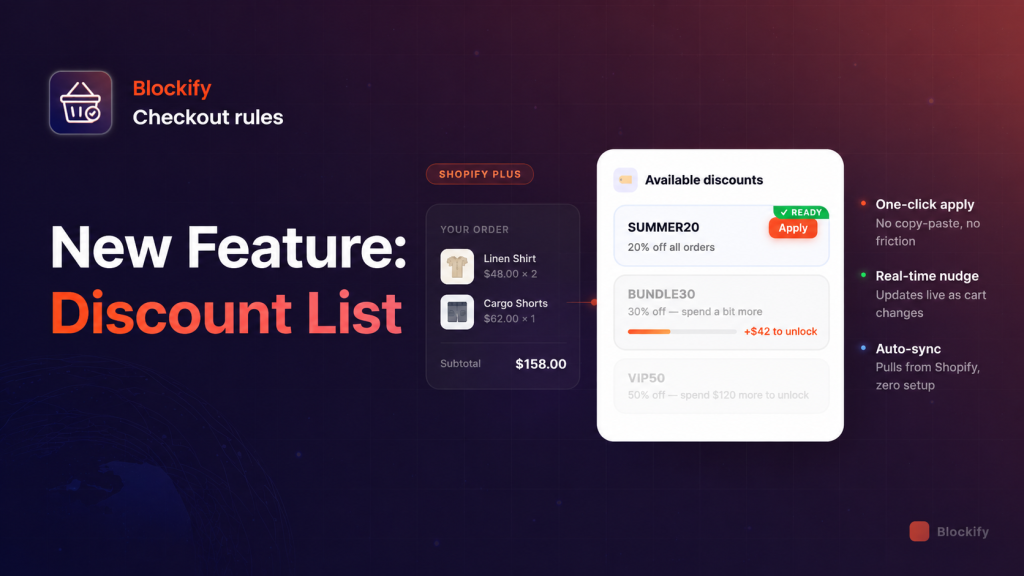
We’ve all been there: A customer is inches away from the finish line, but they suddenly remember seeing a promo code in an email three days ago. They leave the checkout, dive into a cluttered inbox, get distracted by a cat meme, and… poof. Your conversion is gone.
At Blockify Checkout Rules, we believe the checkout should be a friction-free zone, not a treasure hunt. That’s why we just shipped a feature we know you’re going to love: Discount List.
What is Discount List?
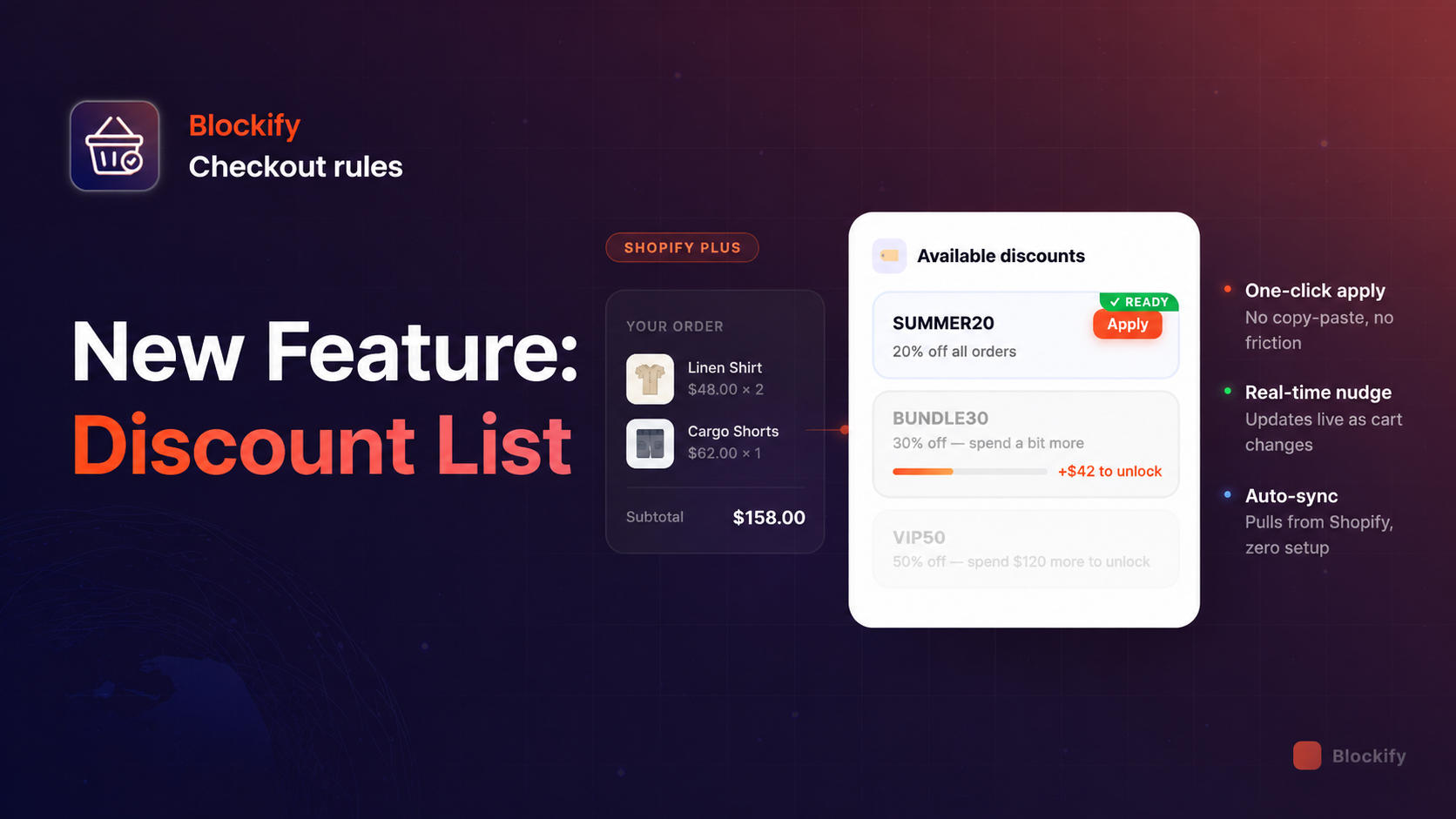
Instead of making buyers dig through their history to find a code, you can now display your available discounts directly on the checkout page.
It’s a simple, elegant list where customers can see exactly what they’re eligible for and – this is the best part – apply it with a single click. No copy-pasting, no typos, no “Invalid Code” frustration.
The Secret Weapon for AOV: Real-Time Upselling
The “Discount List” isn’t just about convenience; it’s a high-powered conversion engine. If a buyer doesn’t qualify for a discount yet, the component doesn’t just sit there. It communicates. It will show a real-time message like:
“Spend $30 more to unlock 20% OFF”
As they update their cart, that number adjusts on the fly. It turns your checkout into a gamified experience that nudges users to add “just one more thing” to unlock the deal.
Why Shopify Plus Merchants Love It
This feature is built exclusively for Shopify Plus using the power of Checkout UI Extensions. Here’s why it’s a game-changer:
- Native Integration: It pulls codes, amounts, and expiry dates directly from your Shopify Admin. If a code expires, it disappears automatically. No manual cleanup required.
- One-Click Application: Buyers hit “Apply,” and the discount is instantly added to their order.
- Customizable Logic: You decide which discounts to show and who sees them. Want to show a VIP discount only to customers in the US? Done.
- Clean UX: It appears as a tidy, collapsible section (default title: “Available discounts”) that keeps your checkout looking professional and organized.
How to Get Started (In Under 2 Minutes)
Setting this up is as easy as dragging and dropping.
- Open Blockify Checkout: Go to your Shopify Admin and select the Checkout Page sidebar.
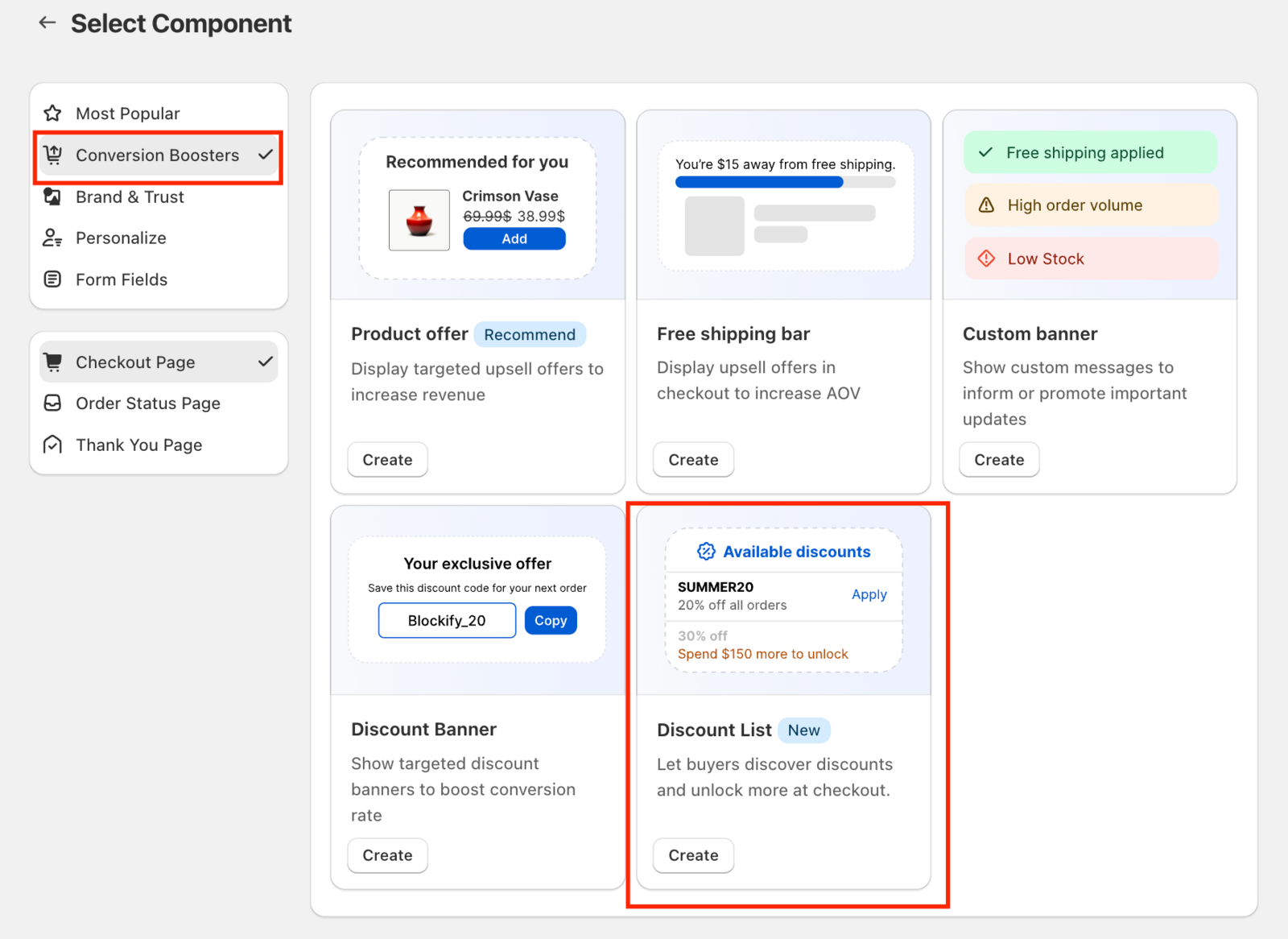
- Add the Component: Find Discount List under “Conversion Boosters” and click Create.
- Pick Your Winners: Select the active discount codes you want to feature.
- Arrange for Success: Use the drag handle (⠿) to put your most enticing offers at the top.
- Go Live: Head to the Shopify Checkout Editor, place the block where you want it, and hit Save.
Check our full setup guide here.
Pro-Tips from the Blockify Team
To get the most out of the Discount List, follow these senior-level strategies:
- The Power of 3: Don’t overwhelm them. Stick to 2–4 key discounts. Maybe a “Welcome” code, a “Free Shipping” threshold, and a “Spend $X, Get $Y” offer.
- Order Matters: Put the easiest-to-attain discount at the top. It builds “Yes” momentum in the buyer’s mind.
- The Multi-Channel Loop: Mention these codes in your email or SMS campaigns. When a customer arrives at checkout and sees the same code they saw in their inbox, it reinforces trust and speeds up the “Buy” decision.
Ready to boost your conversion rate?
If you’re on a Plus Plan, the Discount List is waiting for you inside the Blockify app.
Note: The real-time “Spend $X more” upsell messaging is currently in a guided setup phase. If you want that extra AOV boost, just reach out to our support team, and we’ll help you dial it in!
