
Blockify Apps Are Safe from the Shopify Checkout Hijacking

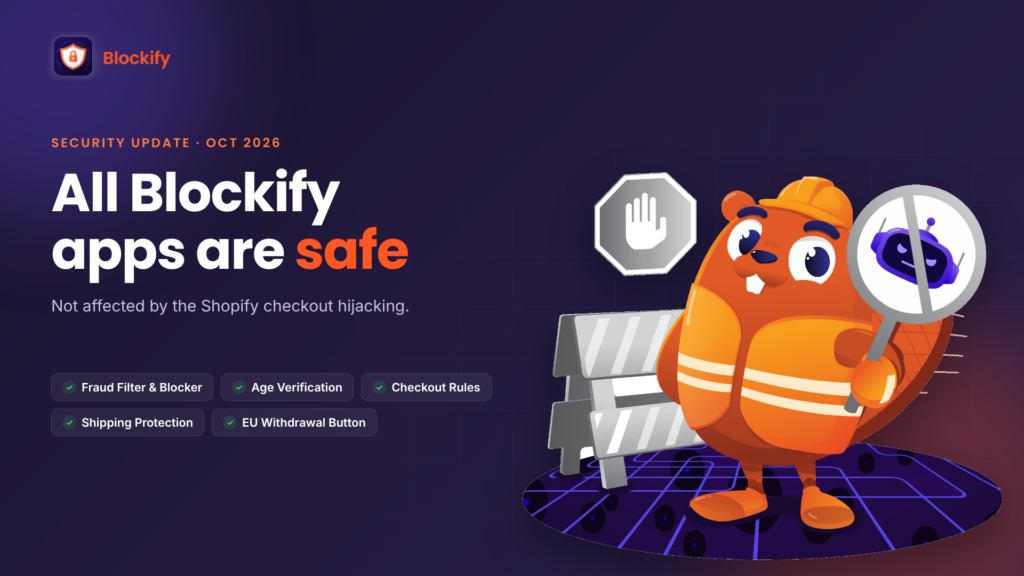
All Blockify apps are safe. None of them was affected by the Shopify checkout hijacking reported between October 10 and 21, 2026.
That applies to every app in the Blockify family:
- Blockify Fraud Filter & Blocker
- Blockify Age Verification
- Blockify Checkout Rules
- Blockify Shipping Protection
- Blockify EU Withdrawal Button
The short version of why: Blockify apps don’t run custom checkout JavaScript, your customers always pay on Shopify’s native checkout, and every piece of content our apps generate on your store is validated first, so no harmful JavaScript can be initialized. There’s nothing you need to change, reinstall or switch off.
What happened in the Shopify checkout hijacking
In October 2026, attackers got into the back-end systems of a few third-party Shopify apps and changed the settings those apps send to merchants’ storefronts. HulkApps, Selleasy and Swym have confirmed the incidents: Selleasy said an intruder reached an internal tool and planted a script in some stores’ settings on October 13, and Swym’s Wishlist Plus app was compromised on October 14.
The technical write-ups show how small the opening was. In Astra’s analysis, the Hulk Product Options script loaded a “custom JavaScript” setting and ran it on the storefront. In Swym’s case, the malicious code was hidden in the label of the Add to Wishlist button. Either way, the code waited for the shopper to head to checkout, sent them to a fake payment page on biliing[.]top, then forwarded them to the real checkout so the order went through normally. Because it fired only once per browser session, many merchants who tested their own store saw nothing wrong.
The common root cause: app settings were trusted and run on the storefront without being checked. Shopify’s own checkout was never breached. Shopify switched off the affected Hulk extension, and on October 20 began asking shoppers to confirm before leaving a store for an outside site, a prompt it narrowed on October 23 to sites it considers suspicious or malicious.
Where Blockify apps run on your store, and why none can redirect checkout
When we reviewed our apps after the first reports, we checked them against the exact weak point the attack used: settings and content that an app sends to the storefront and the browser runs without question. We started with the two apps that work closest to payment, Checkout Rules and Shipping Protection, then went through the rest. None of them has a script that can take over the Checkout click.
| App | Where it works | Why it can’t hijack checkout |
|---|---|---|
| Checkout Rules | Payment and shipping options at checkout | It changes which options Shopify shows (hiding a payment or shipping method, for example). It doesn’t run custom checkout JavaScript, and it can’t send a shopper to another page. |
| Shipping Protection | Cart, as an optional add-on | Protection is added to the order as a normal item. The shopper still pays on Shopify’s native checkout. |
| Fraud Filter & Blocker | Store visits and orders | It decides who can visit and flags risky orders. Any redirect it applies is one you set for blocked visitors, never for shoppers heading to checkout. |
| Age Verification | A popup on your storefront | The popup text and settings are validated before they appear on your store, so they can’t carry harmful JavaScript. |
| EU Withdrawal Button | A button and form on your storefront | Form content is validated the same way, and the form never asks for payment details. |
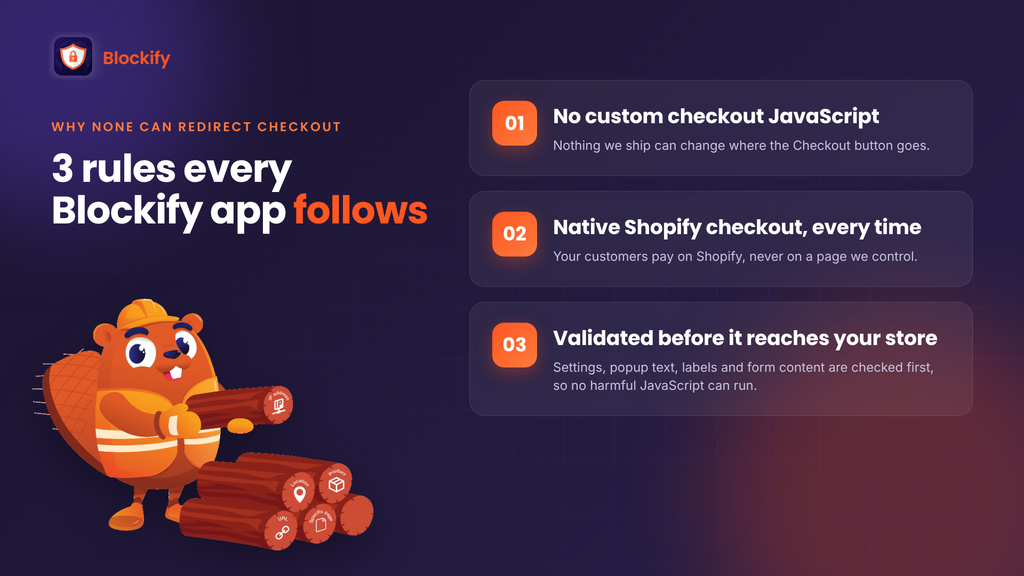
Three principles hold across all five apps:
- No custom checkout JavaScript. Nothing we ship can change where the Checkout button goes.
- Native Shopify checkout, every time. Your customers pay on Shopify, not on a page we control.
- Everything is validated before it reaches your store. Settings, popup text, labels and form content are checked before they’re generated on your storefront, so no harmful JavaScript can be initialized. This is the same rule Shopify asked all developers to follow on October 20.
Can a fraud filter stop a checkout hijack?
It’s a fair question for a security brand, so here’s a straight answer: not on its own. A fraud filter like Blockify protects your store from bad visitors and risky orders: bots, VPN and proxy traffic, blocked countries, suspicious buyers. The checkout hijacking worked the other way around. The danger came from code already inside the store, through an app the merchant trusted, and it targeted genuine customers.
That’s why the real defence is how apps are built: no custom checkout scripts, native checkout and validated output. Those are the rules Blockify apps follow. Fraud filtering still has a role after an incident like this: stolen card numbers are often tried out through small, rapid orders from VPN and proxy connections, which is the kind of order Blockify Fraud Filter flags for review.
Is Blockify affected by the PHP and Node.js vulnerabilities?
No. Two server-side vulnerabilities were disclosed on October 21, 2026. Neither is connected to the checkout hijacking, and both are covered:
| Vulnerability | What it is |
|---|---|
| PHP “PHP2Shell” (CVE-2026-109618, CVE-2026-109619) | Remote code execution on servers running unpatched PHP |
| Node.js October security release (CVE-2026-111497 and 9 others) | Flaws including a Brotli decompression issue that could allow remote code execution |
Blockify is part of the OmegaTheme ecosystem, which operates under SOC 2 Type II security controls. The OmegaTheme Trust Center lists the details, including AES-256 encryption at rest, TLS 1.3 in transit, role-based access and regular penetration testing.
A 10-minute security check for your Shopify store
Whatever apps you use, this check tells you whether your checkout is clean. Work through it in order.
1. Checkout (3 minutes)
- Open a brand-new incognito window. The malicious script only fired once per browser session, so your everyday browser may hide it.
- Add any product to the cart and click Checkout.
- Look at the address bar. It should stay on your store’s domain, such as
your-store.com/checkouts/…. Any unfamiliar domain, especially one ending in.top, means your store is affected. Stop here and jump to If your checkout redirects.
2. Apps (3 minutes)
- Go to Shopify admin > Apps and review the list. Uninstall anything you no longer use.
- Pay extra attention to apps that let you paste custom JavaScript or HTML. If you don’t need that setting, clear it.
- In Online Store > Themes > Customize > App embeds, switch off embeds from apps you don’t recognize.
3. Accounts and access (3 minutes)
- Change your Shopify password and the passwords of your app accounts.
- Turn on two-step authentication for every staff account.
- Review who and what can access your store: staff, collaborators and connected tools, including AI tools. Remove access that’s no longer needed.
4. Orders (1 minute)
- Scan recent orders for patterns that often follow a card leak: several small orders in a row, mismatched billing and shipping countries, or orders from VPN and proxy connections. If you use Blockify Fraud Filter, the order risk view shows these for you.
If your checkout redirects
- Switch app embeds off one at a time, re-testing in a fresh incognito window each time, until the redirect stops. The last app you turned off is the one responsible.
- Contact customers who may have entered card details on the fake page and recommend they ask their bank to lock their card.
- Report it to Shopify Support and to the app’s developer, with screenshots and the fake address.
Protecting your store is the job we signed up for
Blockify exists to keep bad actors away from Shopify stores, so we hold our own apps to the standard we’d expect from any app on your store: nothing that can touch where your customers pay, and nothing generated on your storefront without being checked first. We’re following Shopify’s October 20 security requirements and will update this post if anything changes.
Questions? Our team is available 24/7 through live chat inside any Blockify app or on Blockifyapp.com. Our security commitments are listed in the OmegaTheme Trust Center.
