
New Billing Address and PO Number conditions for Checkout Validation

Not every high-risk transaction raises a red flag at the shipping stage. Sophisticated fraud attempts often use legitimate local shipping destinations while relying on compromised payment details originating from completely different locations, cardholders, or contact profiles. For merchants selling digital goods or services without physical fulfillment, the shipping address does not exist at all, leaving a critical security gap in standard checkout validation.
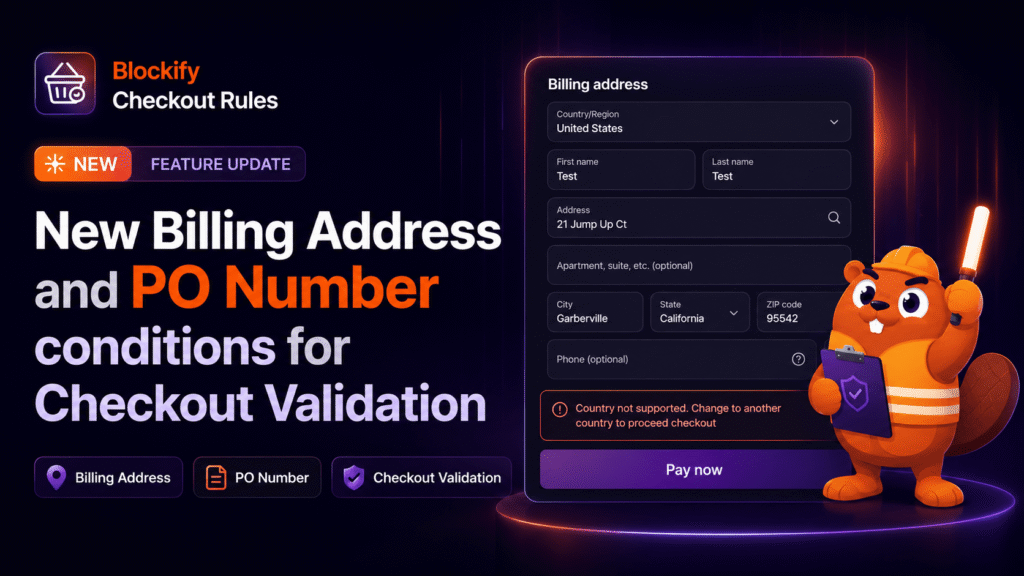
With the latest update to Blockify Checkout Rules, you can now validate buyer billing information and B2B Purchase Order (PO) numbers in real time before an order is placed. By screening billing addresses, country origins, phone numbers, address mismatches, and PO requirements directly at the payment step, you gain granular control over checkout integrity across all payment methods.
Core Feature Breakdown: New Billing Address and PO Number Validation Rules
This release introduces comprehensive billing-level conditions and B2B purchase order validation rules to help you screen transactions before payment confirmation. These rules evaluate buyer data directly at checkout and apply across standard checkout forms as well as express wallets like Shop Pay, Apple Pay, and Google Pay.
- Billing Address Line 1: Evaluates the street address tied to the customer’s payment method. Build rules to flag specific street addresses, PO boxes, or restricted locations.
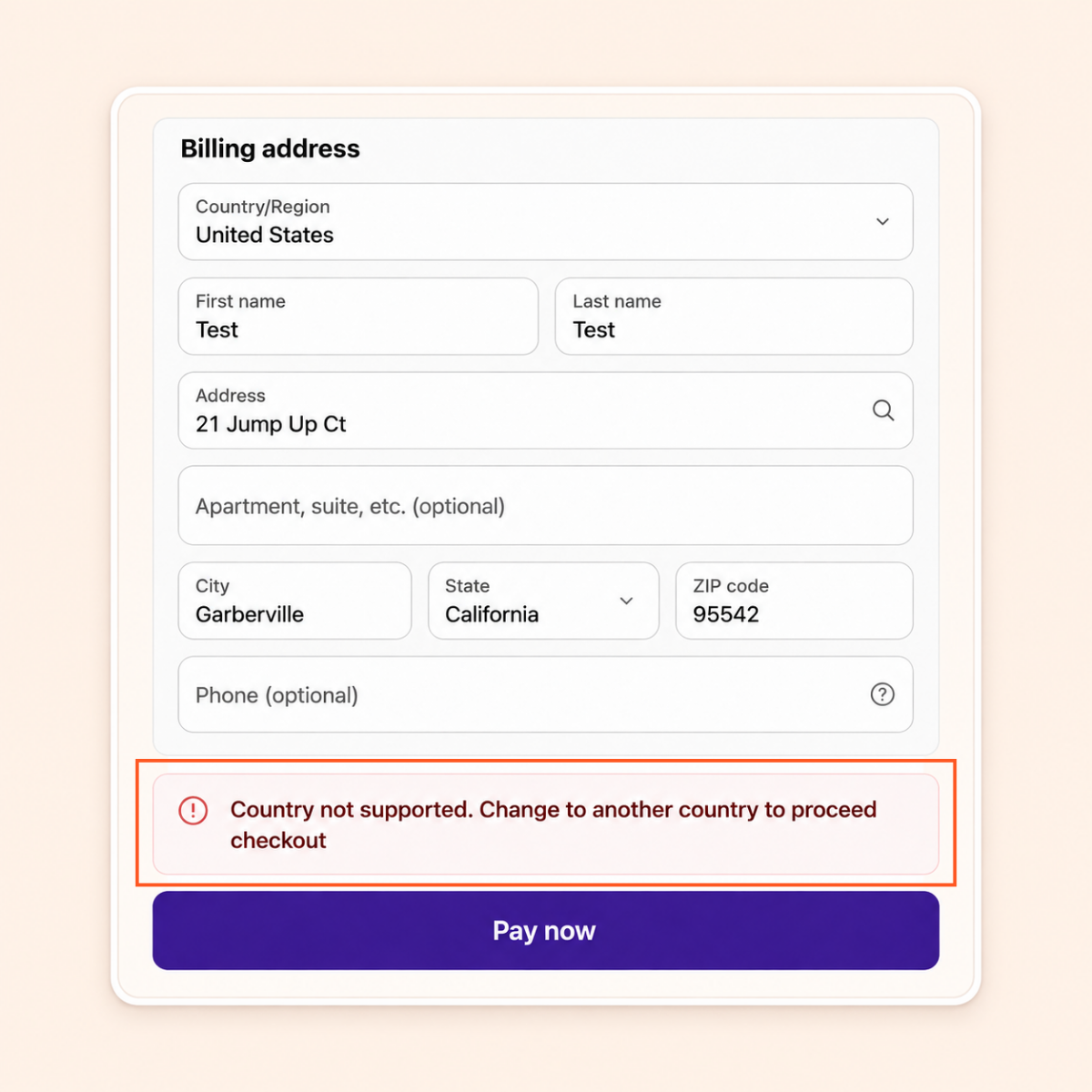
- Billing Country: Identifies the country associated with the buyer’s billing details. Restrict or allow transactions based strictly on where the payment originates, independently of shipping destinations.
- Billing Phone Number: Verifies that a valid phone number is attached to the billing record, helping you block incomplete submissions or flag suspicious contact patterns.
- Billing Equals Shipping: Checks whether the entered billing address matches the shipping destination. Set automated triggers to flag or block orders where billing and shipping locations differ.
- PO Number Conditions for B2B Orders: Enforces specific Purchase Order number criteria on B2B purchases to ensure business buyers meet organizational purchasing standards before completing checkout.
- Broad Plan Availability via Early Access: While full billing conditions were historically limited to Shopify Plus, standard Shopify plans can now access a core starter set (Billing Address line 1, Billing country, Billing equals Shipping, and Billing phone number) for free during the Early Access rollout.
Why Billing Address Validation Matters for Shopify Fraud Prevention and B2B Operations
Evaluating billing data at the payment step provides essential defense layers that traditional shipping-only checks cannot deliver. Integrating billing conditions into your checkout workflow protects your margins, reduces manual review queues, and automates order qualification.
Prevent Costly Chargebacks and Card Fraud: Fraudulent orders frequently pair a victim’s payment profile with an arbitrary delivery address. Using the Billing equals Shipping condition to block or flag mismatched records stops unauthorized card use before fulfillment occurs, saving your team from costly dispute fees.
Essential Order Screening for Digital Goods and Services: Non-physical products lack shipping data entirely. Billing conditions serve as your primary validation signal, enabling you to enforce geographic sales restrictions and screen transactions using Billing country and Billing Address line 1.
Streamlined Compliance for Wholesale and B2B Transactions: Managing corporate accounts requires strict adherence to procurement policies. PO number validation ensures that B2B orders without verified purchase order references are halted before reaching your fulfillment pipeline.
Universal Protection Across Express Wallets: Rules operate seamlessly across modern express checkout options, ensuring buyers using Shop Pay, Apple Pay, or Google Pay undergo the same validation standards as standard checkout submissions.
Step-by-Step Guide: How to Set Up Billing Address Conditions in Blockify Checkout
Configuring billing-level rules takes only a few moments within your Shopify admin dashboard. Follow these steps to build your first validation rule.
- Open Blockify Checkout: Navigate to Blockify Checkout in your Shopify admin and select Create rule (or choose an existing rule to edit).
- Add a Condition: In the IF block, click Choose condition (or + Add condition).
- Select Billing Address: Open the Billing address tab, locate Billing Address line 1 or Billing country in the Popular tab, or use the search bar.
- Choose Your Rule Parameter: Click on the specific condition you want to configure to open its settings card.
- Configure Trigger and Value: Select your operator trigger (such as Is, Is not, Contains, or Is empty), enter your target criteria value, and click Add.
- Define the Action and Save: In the THEN block, specify whether to block the order or display a custom error message to the customer, then click Save.
Note on Early Access Activation: If a condition displays an Early Access badge alongside a Message us to enable button, click the button or reach out to the Blockify support team. Our team will enable the starter set for your store free of charge, typically within a few hours.
Secure Your Store Checkout Today
Screening payment details before transactions finalize is one of the most effective ways to stop fraud, protect non-physical sales, and maintain strict B2B order compliance.
Ready to add billing validation to your checkout? Open Blockify Checkout Rules in your Shopify admin to set up your rules, or click Message us to enable to get instant Early Access.
