The post-purchase stage is often the most overlooked part of the customer journey. Once the sale is made, most stores simply show a generic confirmation and call it a day. At Blockify, we believe the moment a customer says “yes” is the perfect time to build more value.
Starting today, we are thrilled to announce that your Thank You page just got a major power-up within Blockify Checkout Rules. You can now drop Product Offers, Custom Banners, and Trust Badges directly onto your Thank You page, giving you a second chance to increase AOV and brand loyalty the moment a purchase is finalized.
Here’s what that means for your store:
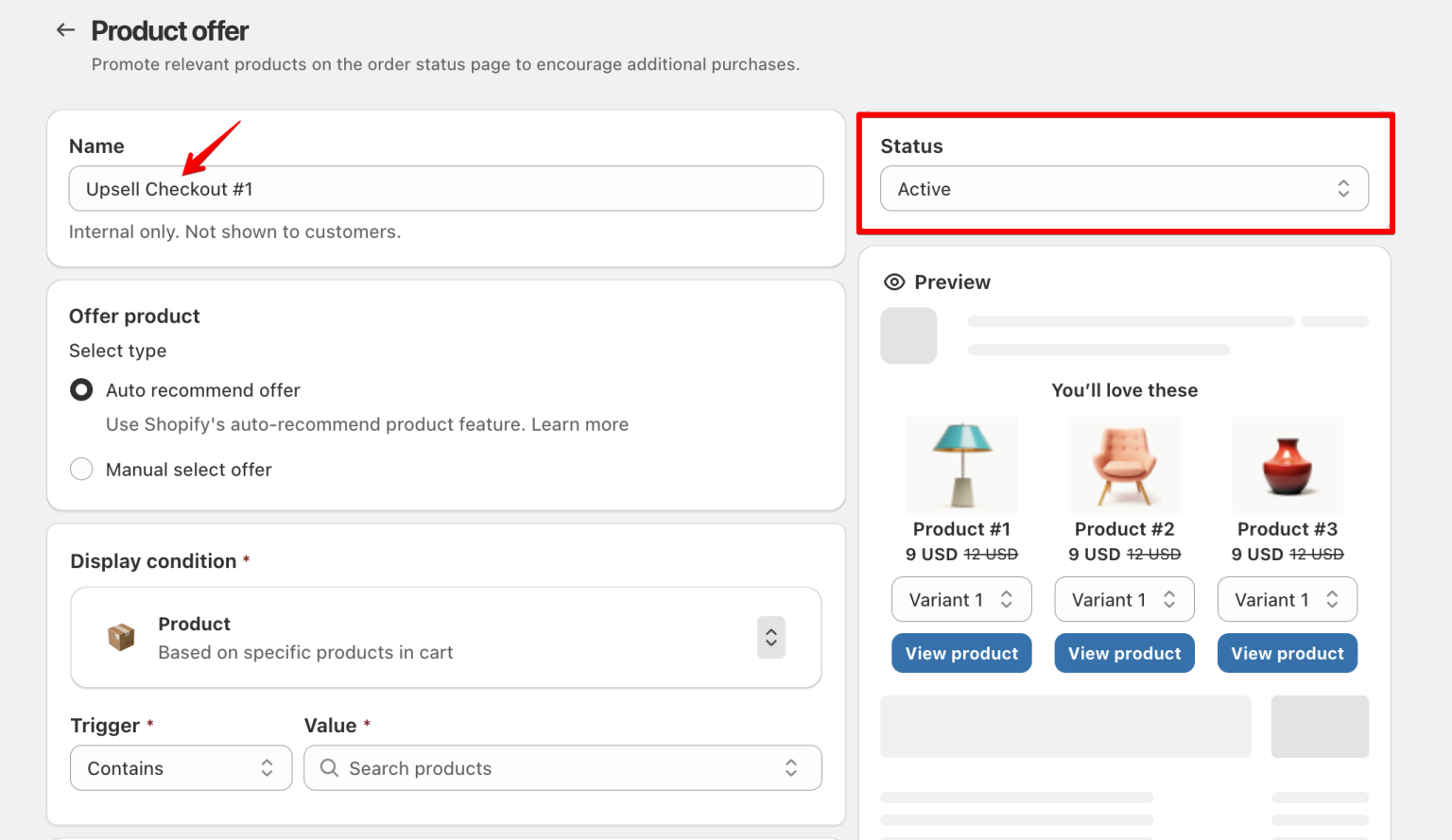
🛍️ Product Offer: Show a targeted upsell the moment a customer completes their purchase. Pick a product manually or let Shopify auto-recommend one. Set conditions so the right offer hits the right buyer.
📣 Custom Banner: Got a promo running? Loyalty program to shout about? Shipping update to share? Drop a banner on your Thank You page with full control over when it shows and how it looks.
🛡️ Trust Badge: Reinforce buyer confidence right after checkout with security seals, payment icons, or guarantee badges.
If you’ve already configured these components for your Order Status page, you’re already an expert. The setup UI remains exactly the same:
Navigate to the Checkout Component tab in the Blockify app.
Create your rule and define your conditions.
Head to the Shopify editor, select the Thank You page, and add the block.
Pro Tip: For a high-impact design, try a bold color palette – like vibrant yellow buttons against a clean white or black background – to ensure your post-purchase offers truly stand out.
This feature is available now for all Premium plan users. Upgrade your post-purchase experience and start capturing revenue that used to be left on the table.